

Validation of short text fields
When you create your form, you can decide what type of field input is allowed. To help you eliminate possible input errors, you can decide to enable field validation for the short text fields. Based on the type of input you expect, you can also create a customized message for users to see when they provide incorrect data.For limitations in the supported regular expressions, see Syntax (external page). You can use this external page to test if your expression is correct.
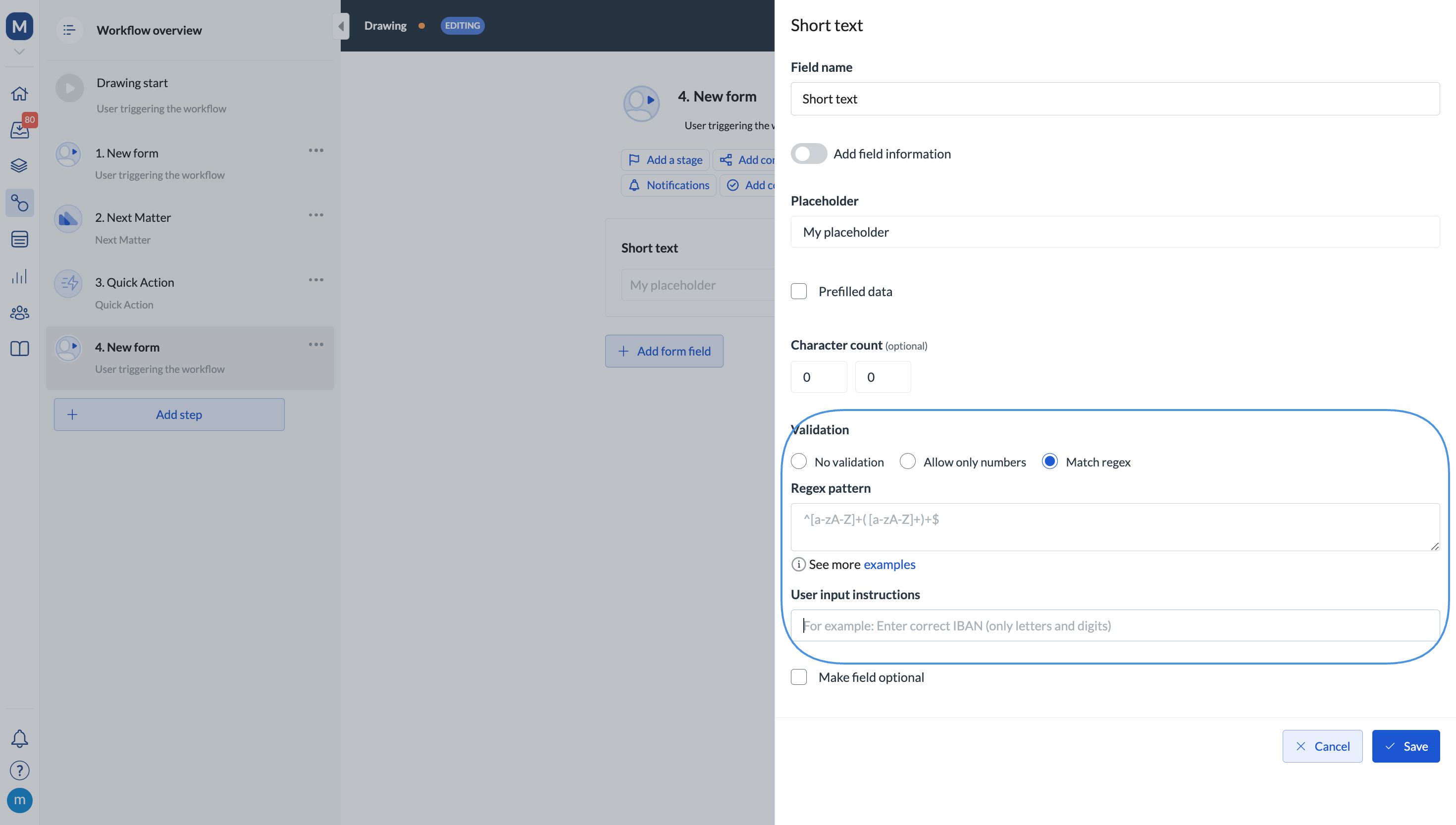
Common regex examples
Note that the operation doesn’t support Pearl syntax in the editor. This means that look-around expressions such as:
(?=...), (?!...), (?<=...), or (?<!...) are not supported. This refers to all positive and negative lookahead expressions and positive and negative lookbehind expressions.